I am still not able to ;( This was the only time I had todayyyyy
1 Like
Let people search/understand how to use the token instead of giving the solution without any explanation by the way! Why not giving one of the user’s password, faster than leaving them the chance to learn?
3 Likes
Definitely agree! Got a couple of wall hits until I found what was wrong with my approach, the token being one of them…
Some of the things on this box didn’t felt like they were right, though.
It just looks like the VM had some misconfiguration when writable directories or files did not work but one specific did… As to the automation behind it specified that… Which, then again, I think is why people took 30 minutes for user but 10 hours for system.
1 Like
I am Administrator, but where is the flag on Blazorized? what am I missing?
Same place it always is. C:\users\Adminstrator\Desktop\root.txt
2 Likes
someone deleted all the flags and I had to reset…
2 Likes
I would appreciate some help guys
Found the key for JWT signing and the claim role in the DLL. I saw in the previous comments multiple mentions of the Blazor Traffic Processor BAPP extension.
I try to inspect the requests with it but I can’t seem to spot any details worth noting, neither do I understand how I’m getting the token into those requests.
I saw mentions of a storage access token as well, but I keep beating my head against the wall trying to realise what that token is.
The sign-in page keeps spamming me with rendering requests and it’s kinda annoying. One thing I did notice though is that when I browse to /home it says Unauthorized, and I understand I have to pass the JWT as a paramater to the server, but haven’t figured out how to do so yet
Copy a token out of the api.blazorized.htb request, update using JWT.io with new claims. Then it belongs in localStorage when trying to access admin.blazorized.htb
Thanks for all the help folks 
3 Likes
1 Like
I’m stuck on the NU_??? user. Its probably something really simple but I can’t find a way to move onto new users. Any hints would be appreciated.
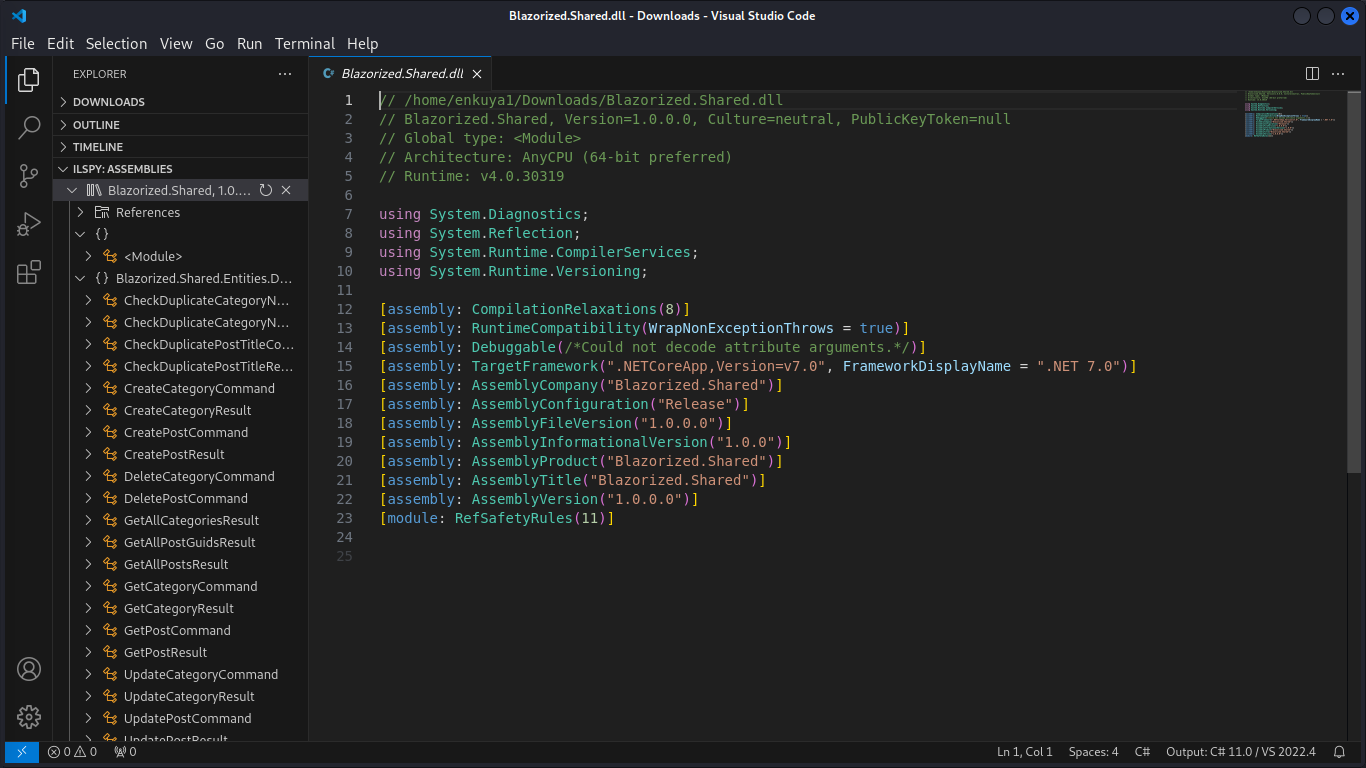
I dont seem to find the claims in the shared.dll file, I mean I dont even know how to get the api and the admin working, when I try access them in the browsers they seem they are down, and using gobuster I get 400 error code
I mean I seem too lost, would anyone help please??
The first machine to attack so everything seems blur
Make sure you have collected all the dll files. I think the most important one is missing from the screenshot.
Do you know why it isn’t working? Figure why and you’ll get it
and what is the most important dll file mate?? I think thats what is kicking me so very hard
I think its been 24hrs now and I can not go around it thats why I opted to ask… I didnt ask for a handfull solution, I asked why am hiting the rock
Have you enumerated your users permissions on AD Objects?
If not and you don’t know how, use Bloodhound/Sharphound
1 Like
Ugh, I don’t really remember now, but it’s something like Digi***Gar*** I think…
From my notes - there were 4 dll’s worth noting, 3 starting with "Blazorized’, 1 starting wtih “Blazored”
To analyze you can use dnspy.